
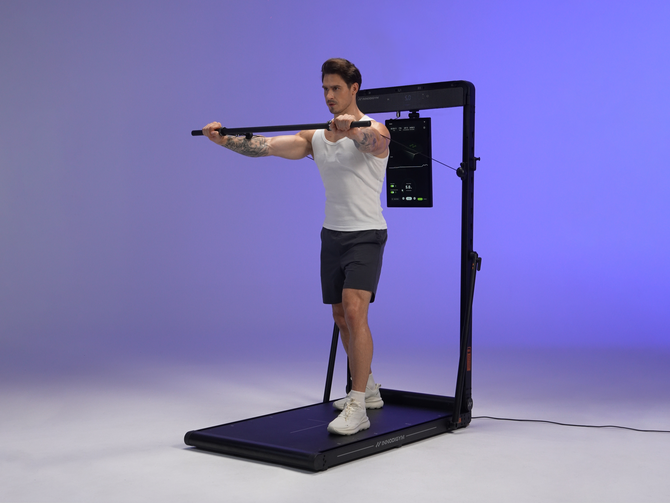
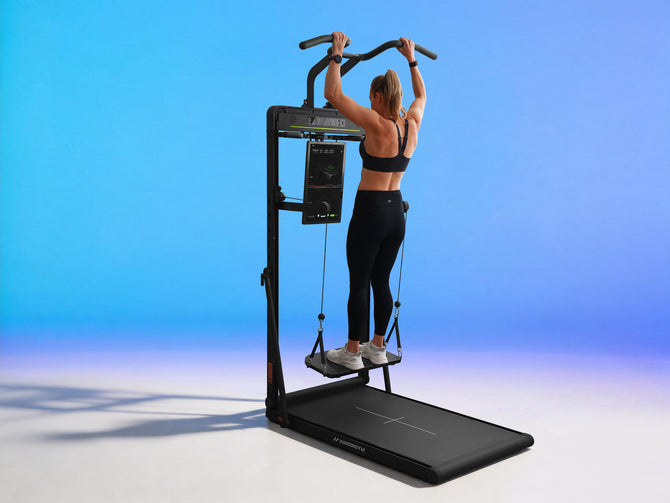
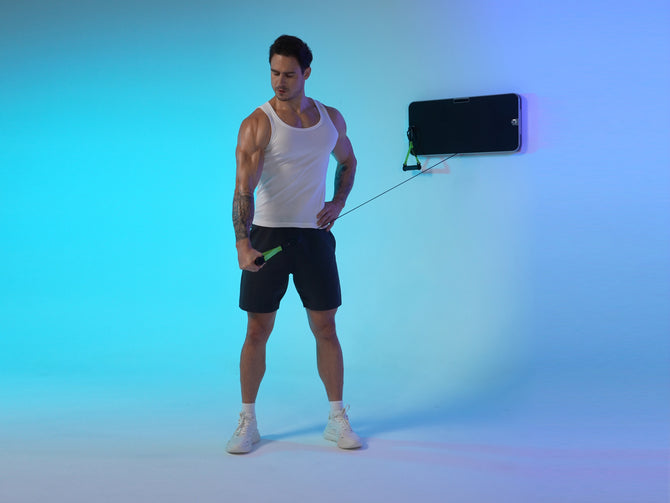
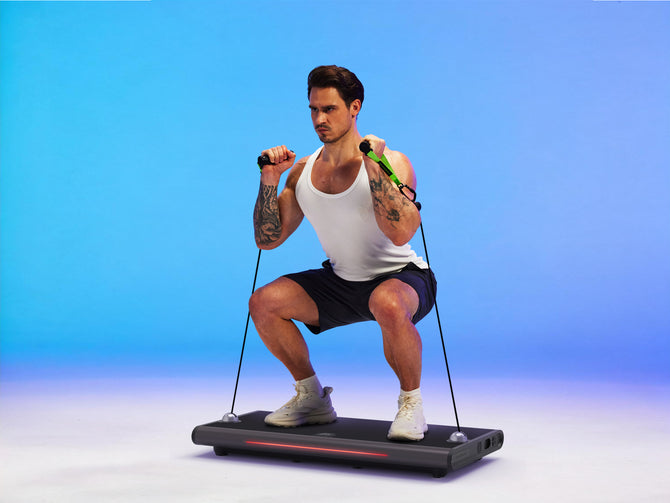


Setting up a smart home gym doesn't have to be complicated. With the Innodigym P1 Plus, you can skip the hassle of permanent wall mounts or complex drilling—the system is entirely installation-free right out of the box.
Here is how to get your P1 Plus ready for training in just a few simple steps:
Step 1: Unbox and Inspect Your Gear
Begin by carefully unpacking the P1 Plus unit and laying out all of your accessories. Make sure you have your handles, the long bar, the power cable, and the smart Bluetooth release buttons accounted for. Taking a quick inventory ensures you have everything needed before starting assembly.
Step 2: Position the Ultra-Slim Base
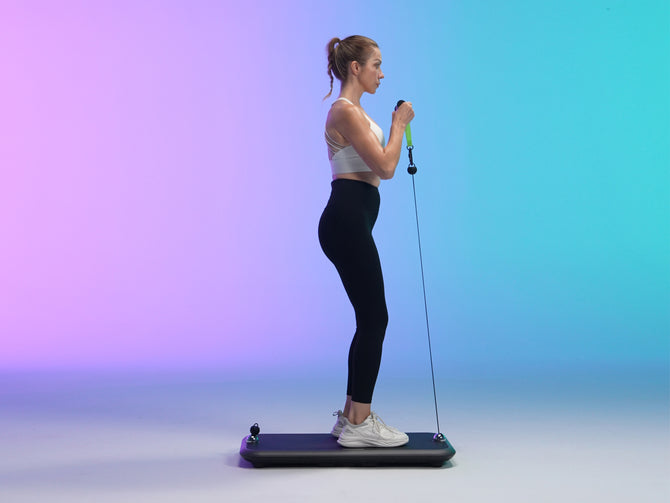
Find a flat, stable surface in your home where you want your training zone to live. Because the P1 Plus features an ultra-slim design measuring just 2.3 inches in thickness, it hugs the floor cleanly and integrates effortlessly into rooms where space is at a premium.
Step 3: Connect to Power
Plug the power cable securely into the unit and connect it directly to a stable wall outlet. Powering up the system activates its internal digital motors, preparing the resistance system for calibration.
Step 4: Sync with the Companion App
Download the companion app on your phone or tablet, turn on Bluetooth, and pair your device with the P1 Plus to unlock built-in training templates and custom load settings.
Step 5: Attach Accessories and Test Your Resistance
Connect your handles or long bar to the cable system, and test out the smart Bluetooth release buttons built directly into the handles and long bar. Before jumping into a heavy workout, run a quick, low-resistance test set to ensure the system is calibrated smoothly and responding to your adjustments.
Ready to Train
With your P1 Plus unpacked, powered, and synced, you are ready to explore its four specialized training modes (Standard, Eccentric, Chain, and Speed) backed by built-in safety features like exhaustion protection and bench press safety load-drops.


